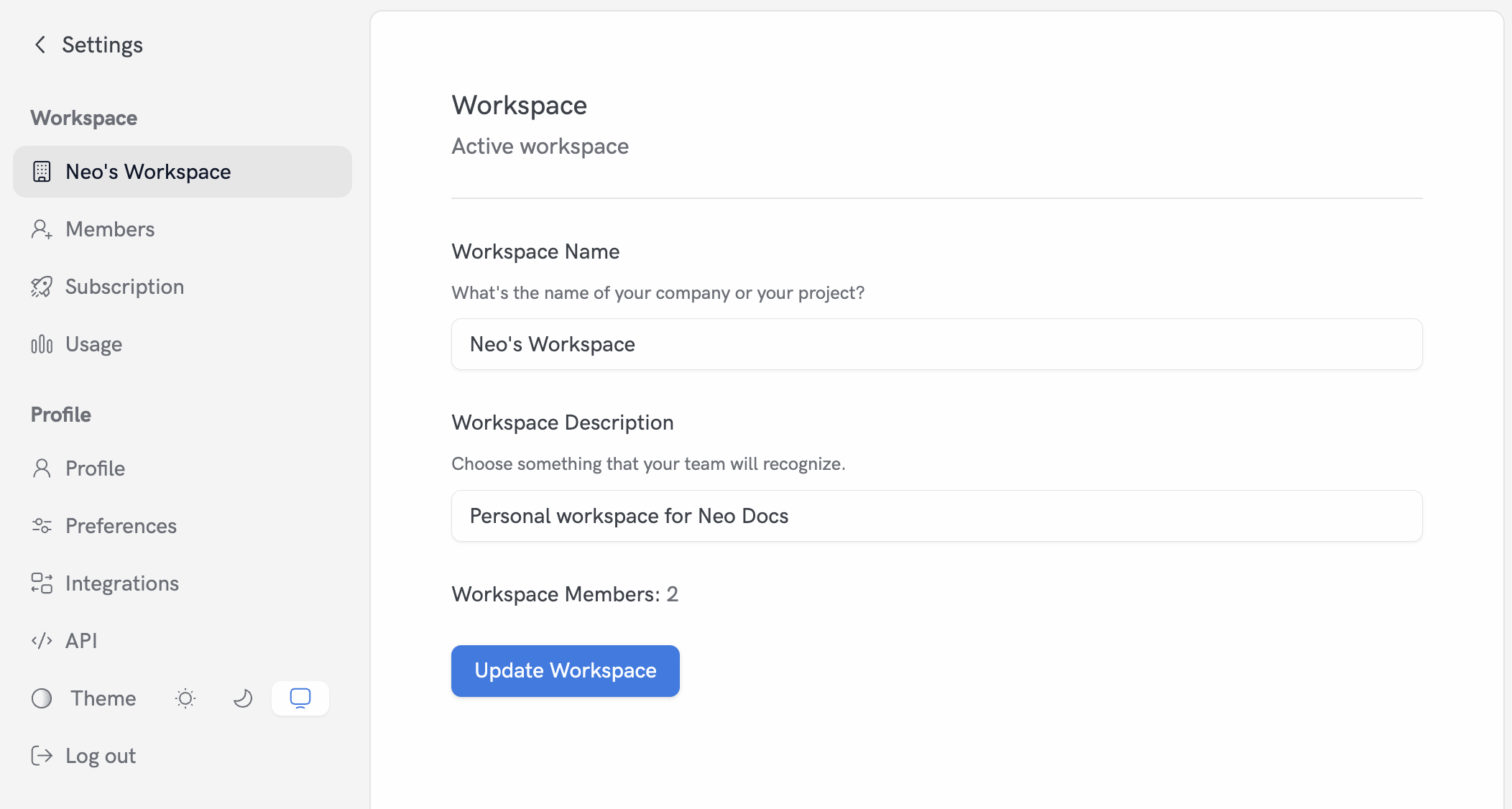
When you sign up, we create a personal workspace named “Your Name’s Workspace”.
Manage your workspace
You can manage the current workspace from Settings.- Open Settings (click the Gear icon on the bottom left of the page)
- Click on “Your Workspace”
- Edit the Workspace Name and its Description
- Click Update Workspace