
Invite members and Roles
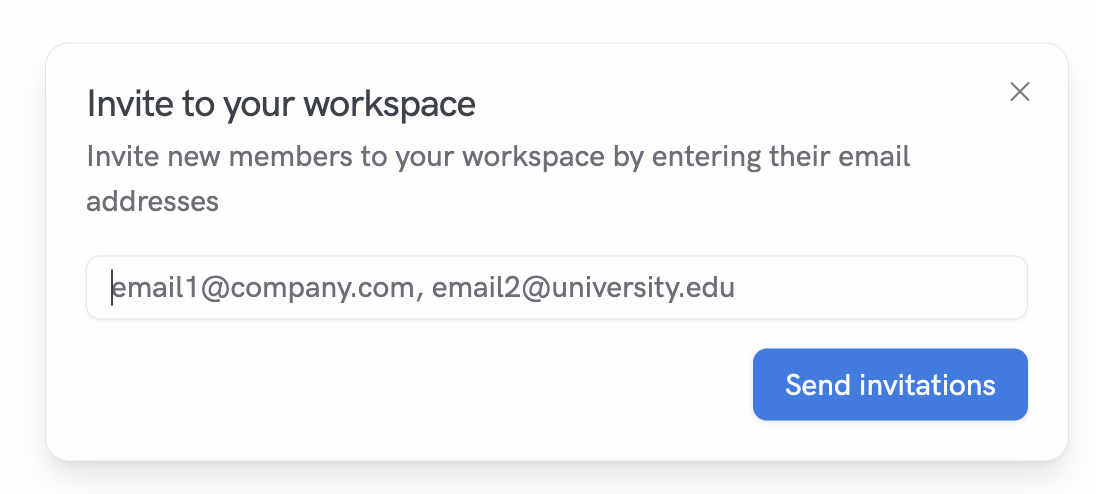
Send invitations by email
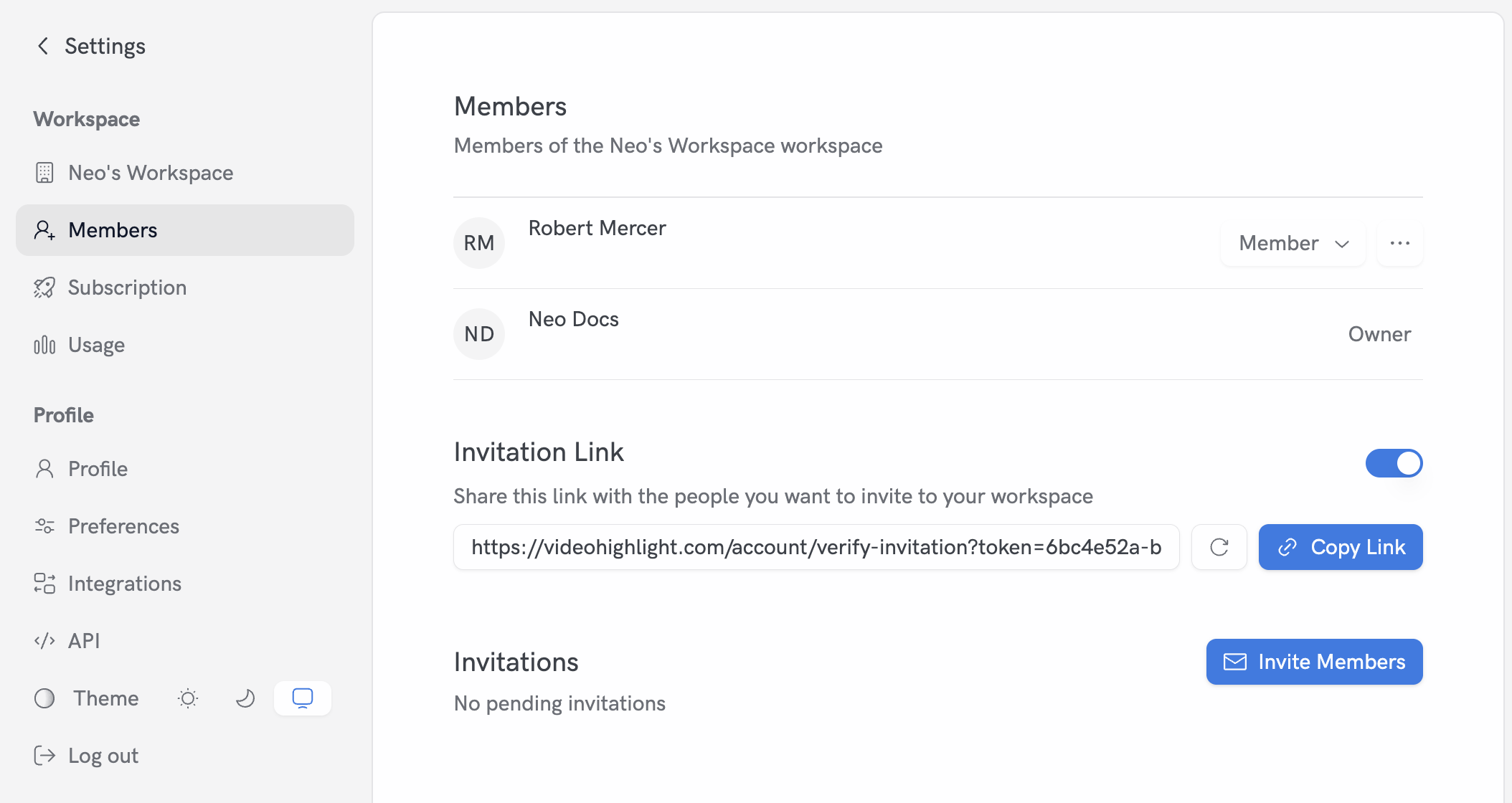
- Go to Settings → Members
- Click “Invite Members”
- Enter one or more email addresses (comma-separated)
- Send invitations
Use an invitation link
From Settings → Members you can manage a workspace-level invitation link.- Enable or pause the link
- Copy the link to share
- Refresh the token if needed
Manage Members
From Settings → Members:- Change a member’s role (Admin, Member)
- Suspend or reactivate a member
Current Roles
- Admin: manage members and routine workspace operations
- Member: collaborate within the workspace